
Waseca County Jail Roster Overview
The sheriff’s office runs the jail and publishes a roster PDF for current custody. The roster is a practical way to check who is in the jail, when they were booked, which agency brought them in, what charges are listed, and whether a projected release date appears. It is a county custody tool, not a state prison locator.
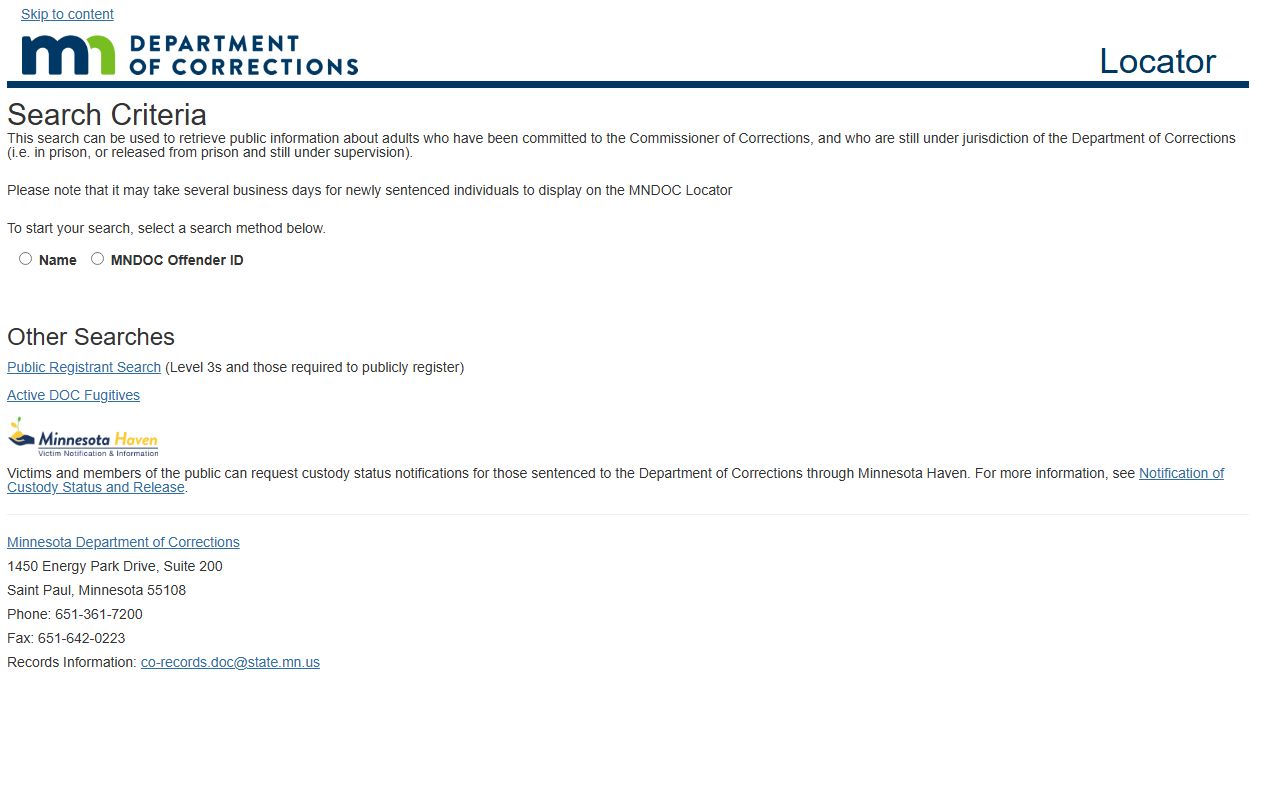
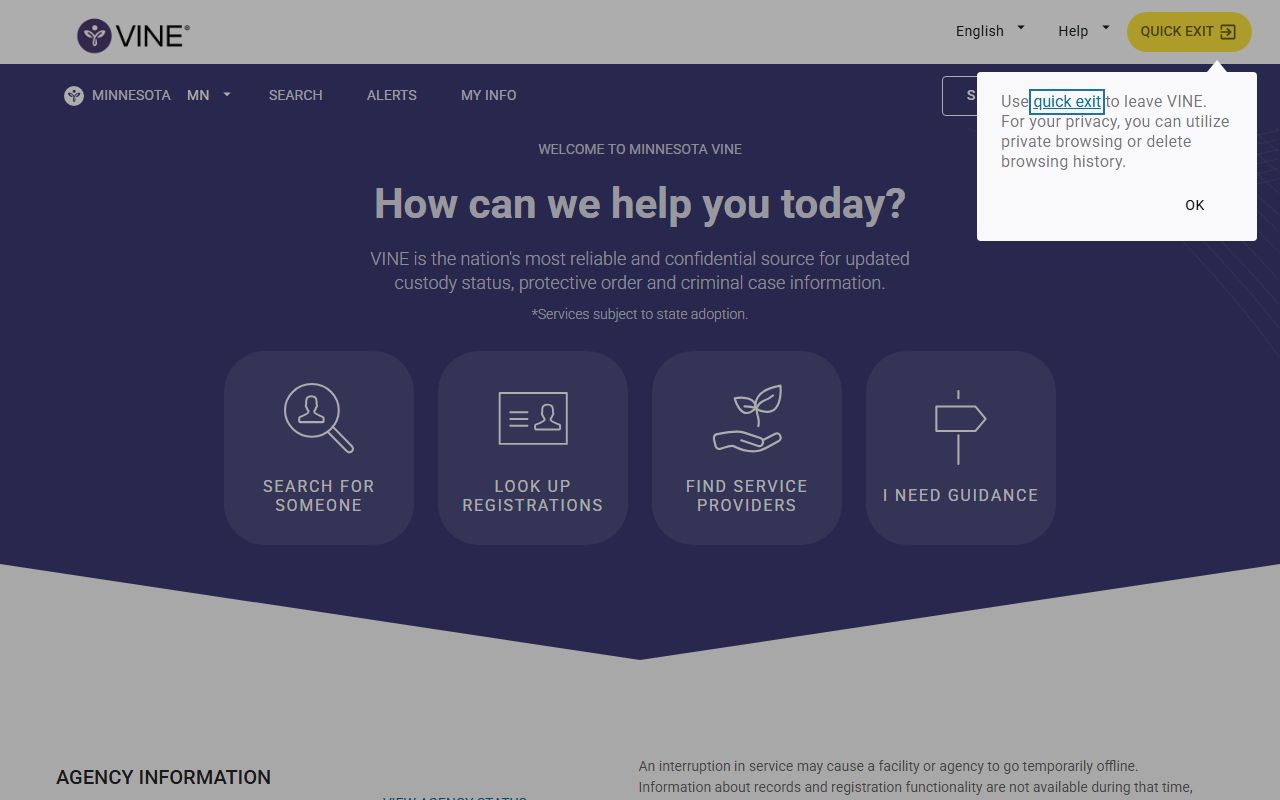
People looking for sentenced state offenders should use the Minnesota DOC Public Viewer. People looking for custody alerts can also use VINE. People who need the criminal case details should go to the district court file. The roster is best for the present tense: who is in custody right now, not the full court story behind the arrest.
How to Use the Waseca County Inmate Roster
Waseca’s roster is a PDF, so the search process is straightforward: open the roster and scan for the person’s name, booking date, and charge line. Because it is a PDF, there are no live search filters on the county page itself. That also means the roster works more like a snapshot than a database, which is useful when you want the county's current custody picture and less useful when you want a long search trail.
- Open the current jail roster PDF.
- Scan the names and booking dates.
- Read the charge and status columns.
- Use the sheriff or jail phone number for custody questions.
Source: Minnesota DOC public offender viewer.
Roster Search Fields
The roster is not a form, but the fields that matter are still easy to identify.
| Field Label | Type | Required | Notes |
|---|---|---|---|
| Name | Text | Shown on roster | Full inmate name. |
| Booking Date / Time | Date-time | Shown on roster | When custody began. |
| Charges | Text | Shown on roster | Current listed charges. |
What an Inmate Profile Shows
The Waseca roster PDF is more limited than many county jail systems. It shows the booking date and time, arresting agency, charges, status, sentence date, and projected release date when available. It does not show the fuller physical profile fields many users expect from other counties. That narrower layout is not an error; it is just the way the county publishes the roster.
| Field | What It Shows |
|---|---|
| Booking Date | When the person entered custody. |
| Arresting Agency | Police department or sheriff office that booked the person. |
| Charges | Current listed charges. |
| Status | Pending, court/pending, or sentenced style status. |
| Projected Release | Release estimate when shown. |
Waseca County Jail Facilities
The jail is in the Security Building at 122 3rd Avenue NW in Waseca and has a published capacity of 25 inmates. That is the key custody location for county inmates and the place to call for booking questions.
Waseca County Jail
122 3rd Ave NW
Waseca, MN 56093
(507) 835-0508
Capacity: 25 inmates
Booking Process in Waseca County
After arrest, a person is booked into the jail, the arresting agency is entered, and charges are logged on the roster. The criminal court case can follow quickly or later depending on the charge and court schedule. The roster is the custody snapshot; the district court file is the legal case file. If the person is transferred out of county jail custody, the DOC viewer becomes the better locator.
Source: Minnesota VINE custody notification.
Visitation Hours and Rules
Waseca County Jail allows visits on Thursday, Saturday, and Sunday. Visitors must be adults with valid photo ID, minors must come with a parent or guardian, and visits are limited and controlled by jail rules.
| Day | Hours | Type |
|---|---|---|
| Thursday | 6:30 p.m.-9:00 p.m. | In-person |
| Saturday | 8:00 a.m.-11:00 a.m. | In-person |
| Sunday | 8:00 a.m.-11:00 a.m. | In-person |
How to Contact an Inmate
The jail does not accept incoming calls directly to inmates. For contact questions, use the jail phone, mail rules, or the sheriff’s office. Money can be dropped off in cash, and the jail accepts only limited reading material under the county rules. That means the roster is only part of the story; contact rules and visitation rules still control how the person can be reached.
When custody is active, the safest public-contact path is the jail or sheriff office. If the person has moved to state custody, the county jail no longer controls the contact path and the DOC system takes over.
Commissary and Inmate Funds
The jail accepts cash drop-offs and has restrictions on books and other items. For vendor and deposit details, call the jail because the official page did not publish a separate commissary vendor. Waseca also limits what comes in with books, which makes the county page the best source for what is actually allowed.
Custody notifications are separate from money handling, but they often get asked together because people want to know both where the inmate is and how to keep up with the case. VINE is the notification tool for the first question; the jail is the contact point for the second.
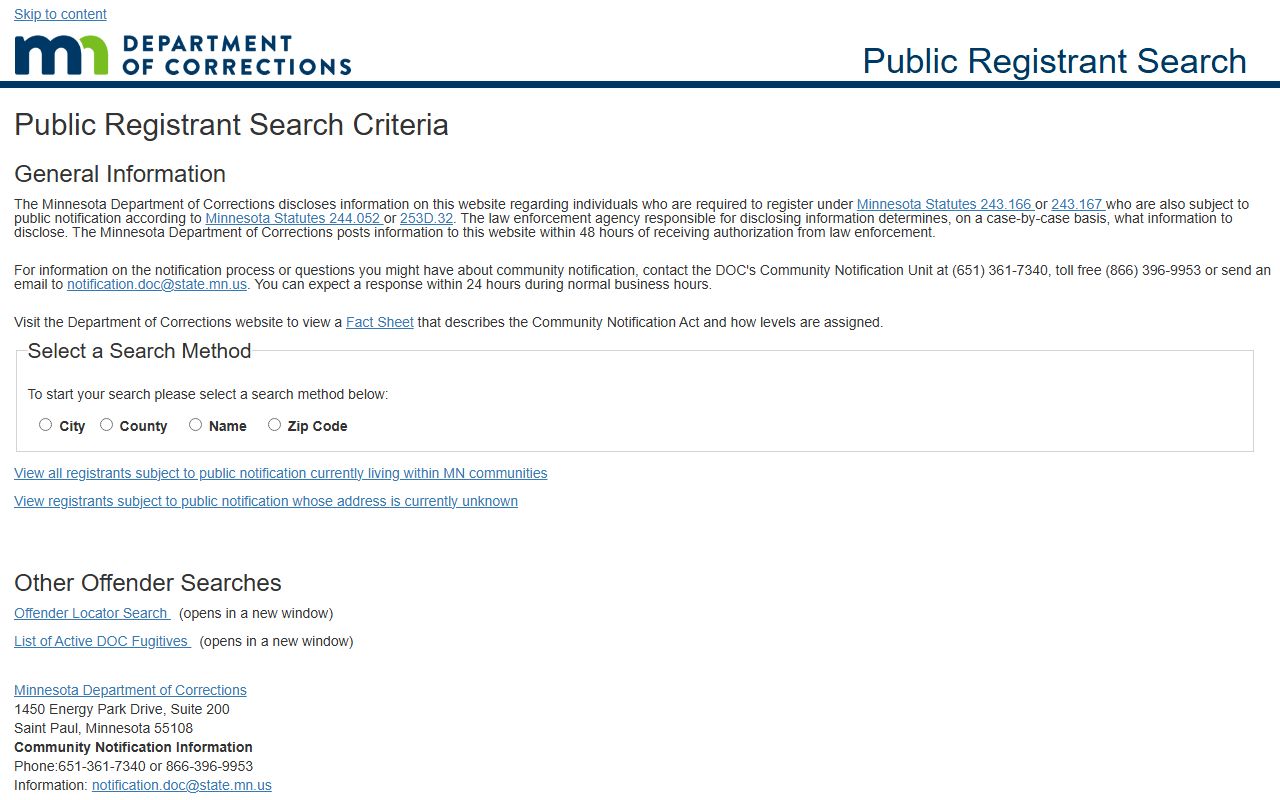
Source: Minnesota public registrant search.
When A County Inmate Becomes A State Offender
Once a person moves from the county jail to Minnesota DOC custody, the county roster stops being the main lookup tool. That is the point where the DOC public viewer becomes more useful than the jail PDF. Waseca families often need to make that switch when sentencing has happened and the person is no longer held for a local case.
The important difference is simple: the county roster is about present custody in Waseca, while the DOC viewer is about state custody after the county stage is over. If both are checked, the searcher can tell whether the person is still in local jail custody or has already been transferred.
What The Roster Does Not Show
The Waseca roster does not show every detail people expect from a bigger jail system. It does not function like a mugshot database, it does not show a full case history, and it does not replace the criminal docket. That makes it useful, but narrow.
For deeper research, the search order usually runs like this: jail roster for current custody, MCRO for the charge and case, DOC viewer for sentenced state custody, and VINE for alerts. That layered approach keeps the county pages distinct and keeps the user from reading one record as if it were all of them. It also keeps the county jail, state prison, and court records in the right order.
Roster Updates And Release Timing
Roster updates can lag behind the event that caused them. A booking may happen first, but a release, transfer, or sentence change may not appear until the next roster refresh. That is normal for a county PDF roster, and it is why a same-day check can still be slightly behind the real custody situation.
When the timing matters, Waseca users should compare the roster with the court docket and any custody alert they may have. The roster answers where the person is now; the docket explains why the case moved; the alert system can help track a later change. Used together, those three sources give a much cleaner picture than any one of them alone.
After Sentencing Or Transfer
Once a person is sentenced or moved out of county custody, the local roster becomes less useful and the state DOC viewer becomes the better source. That shift matters because many people keep checking the county PDF long after the case has moved to a different jail or prison system. If the person is no longer held in Waseca, the county roster is no longer the main record.
For Waseca families and record seekers, the practical workflow is simple: county jail for local custody, district court for the case, and DOC for state custody. That keeps each office in its own lane and makes the search faster when the person moves from one stage to the next.